Getting started
Open the app, sing your first lesson, then record a harmony one part at a time.
Contents
On this page
Open the app
- Stackapella runs in your browser. There's nothing to download, and you don't need an account to start.
- Tap Open the app at the top of this site.
- Later, you can install it so it opens like an app. The page about installing the app says how.
The home
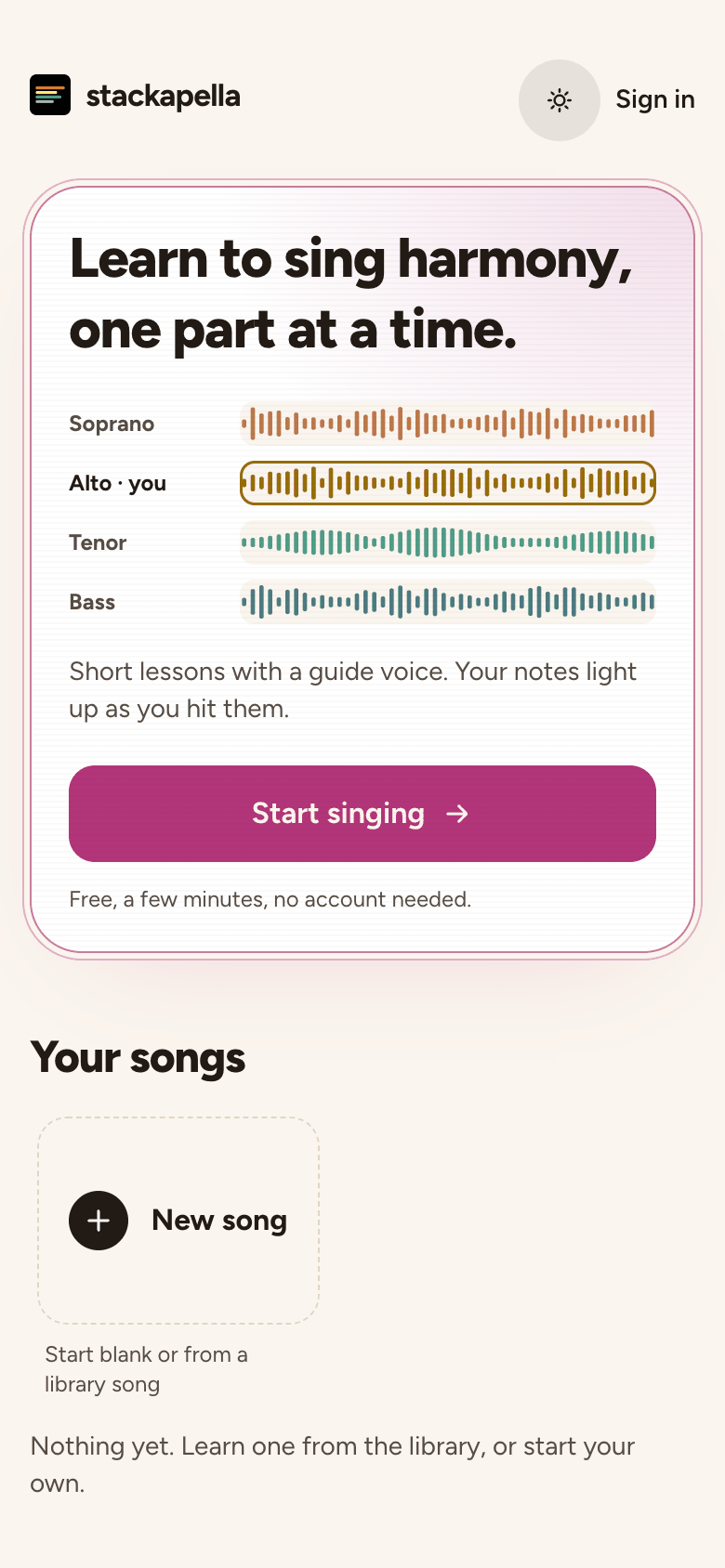
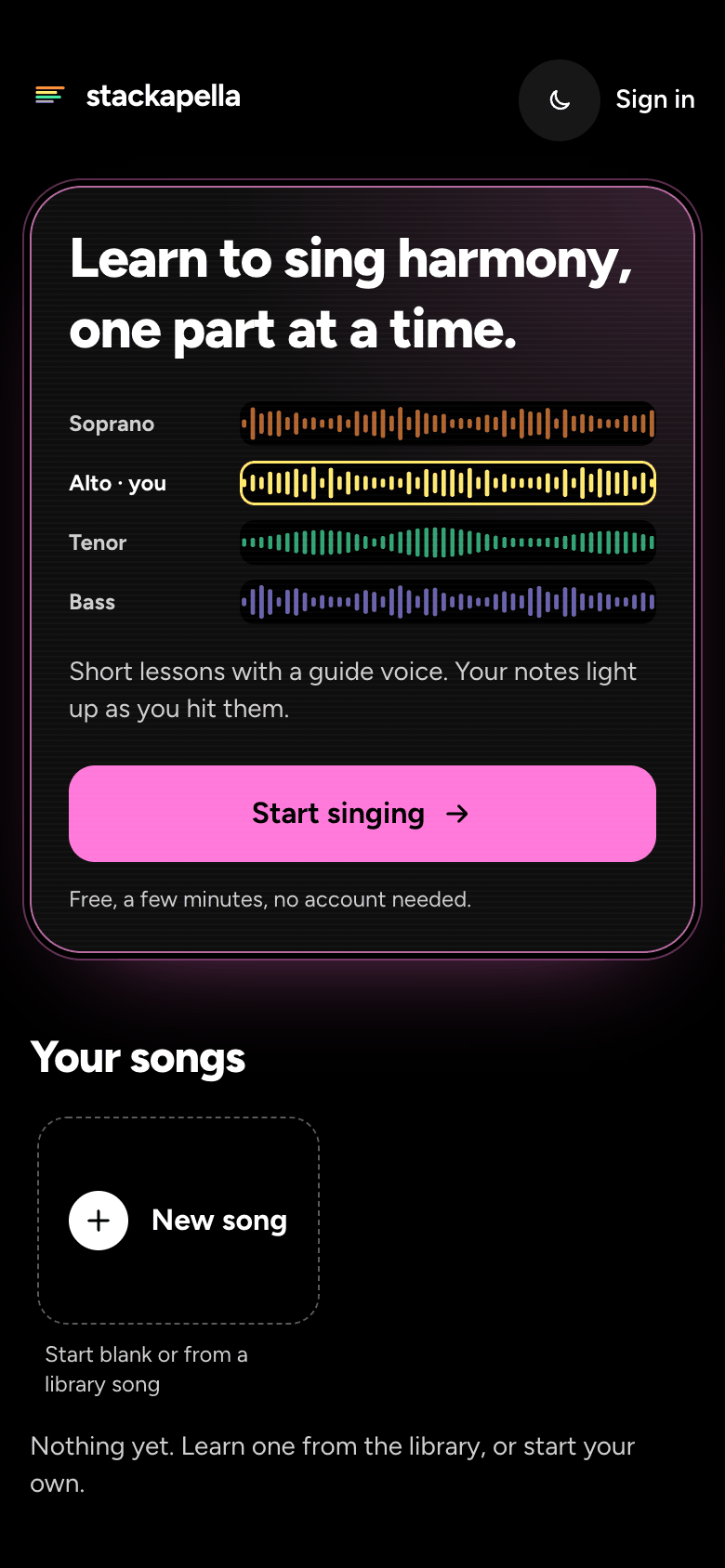
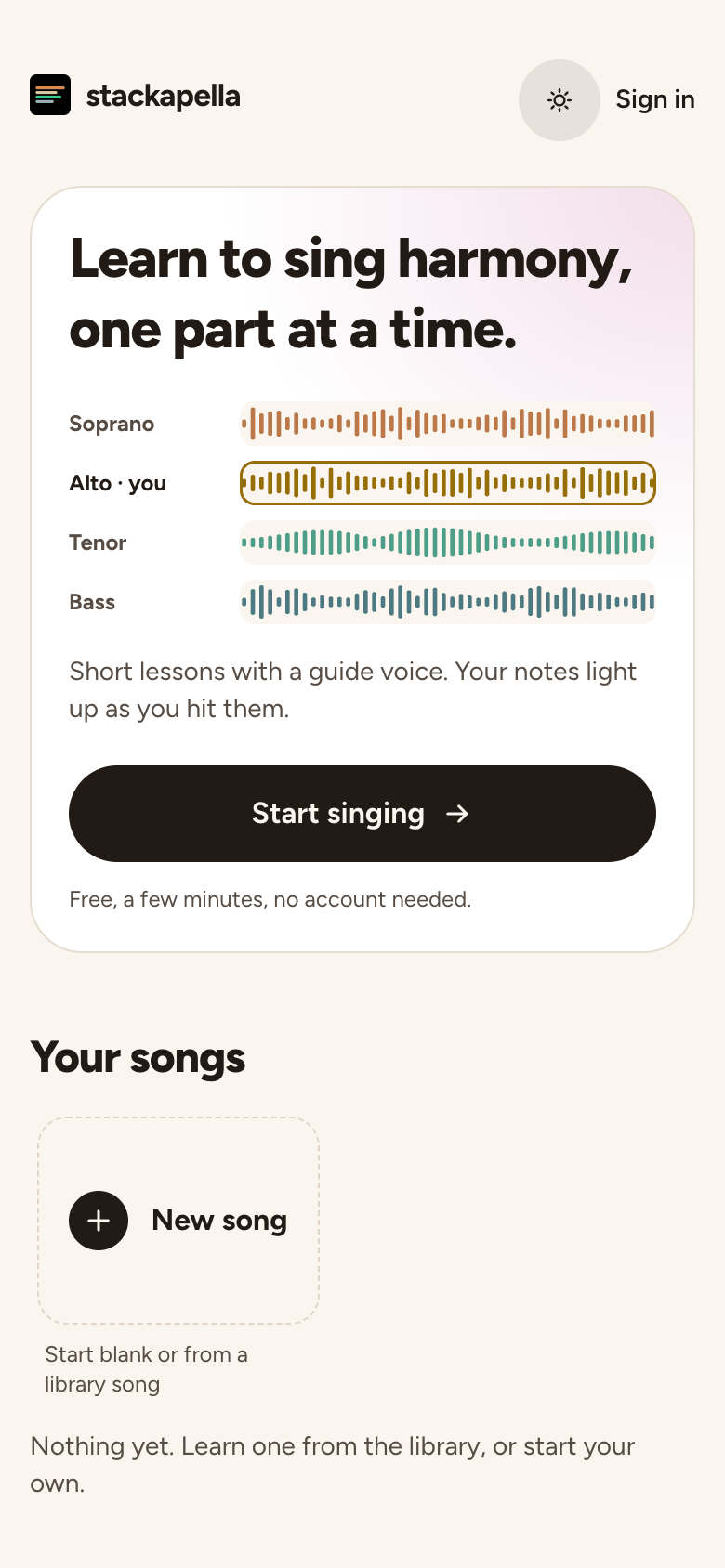
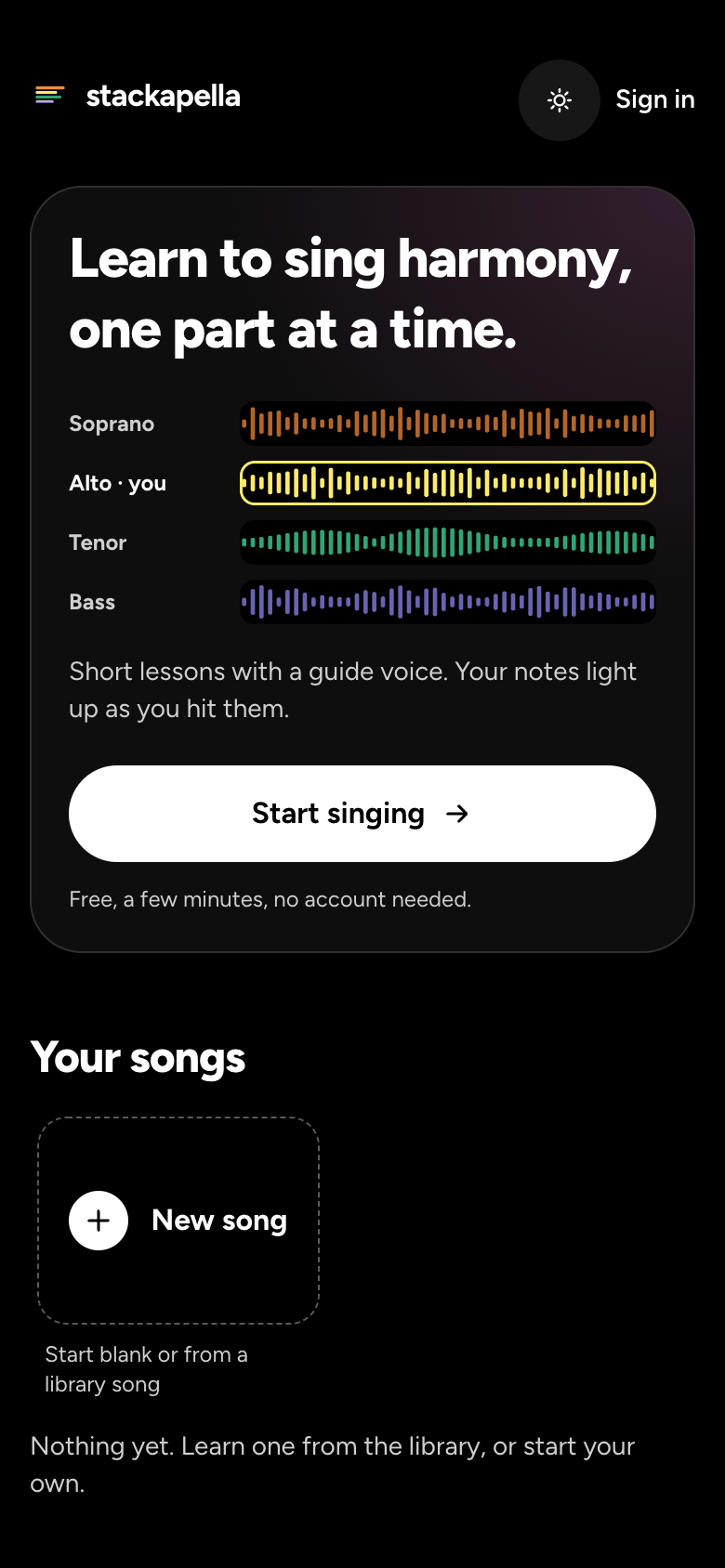
- The course comes first, with Start singing. It teaches harmony from your very first note.
- Under it is Your songs: everything of yours, newest first, with New song as its first card. Then the songs to learn, under Hear a harmony first on your first visit and Song library after that.
- Every song card has a Play at the top right of its picture, to hear it before you open it.
Your first lesson
- Tap Start singing. Lesson 1, "Your comfortable note", opens straight away.
- Read the first step, then tap Turn on my mic.
- A line under the button says why we listen. Allow the mic when your browser asks.
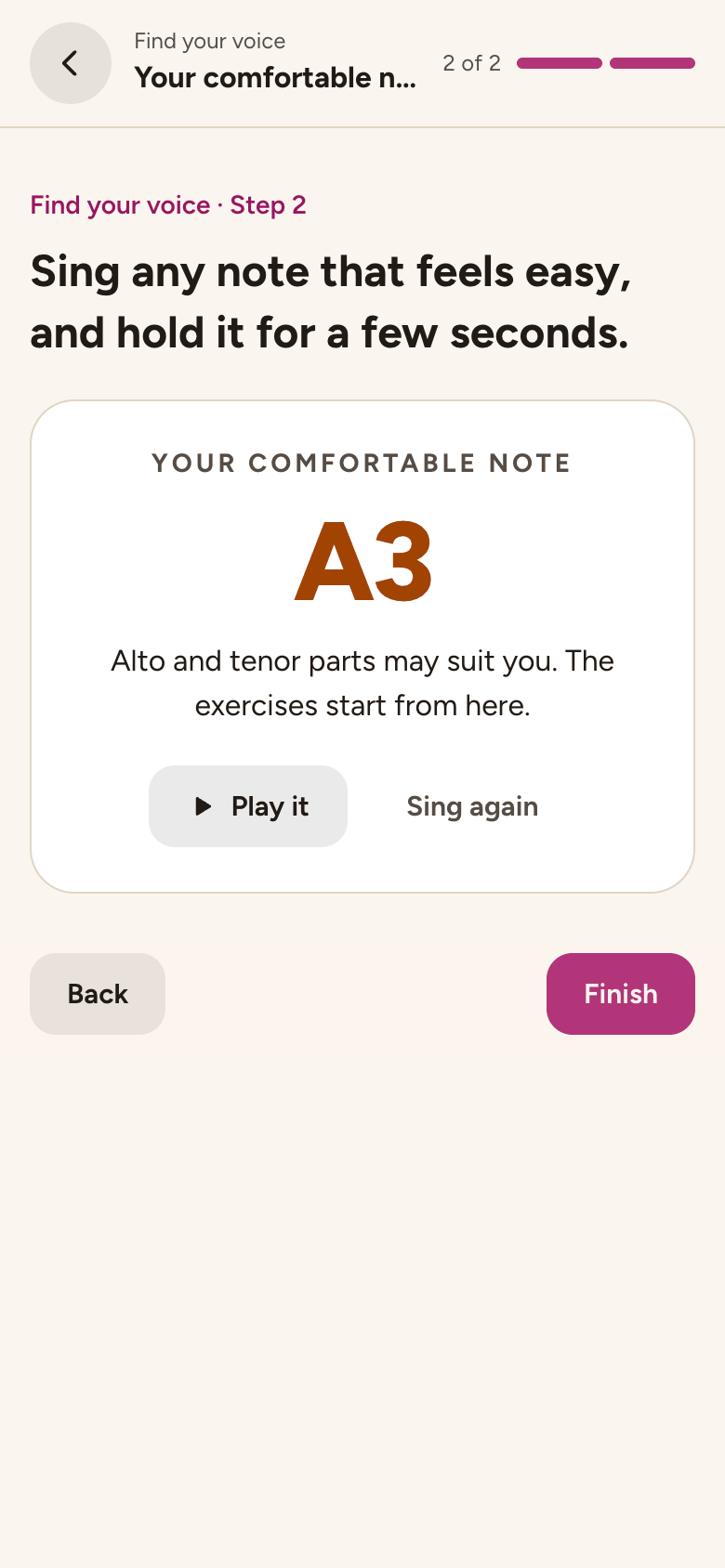
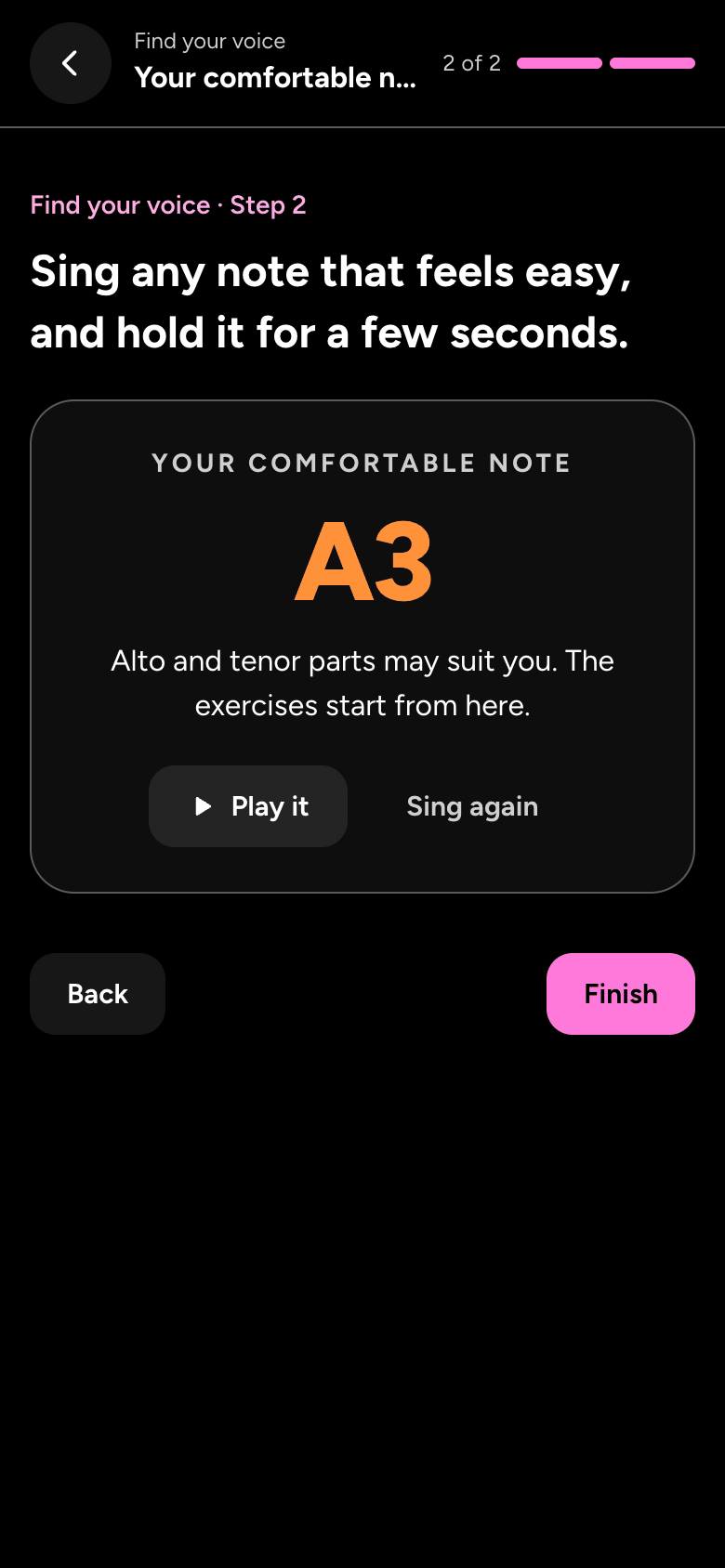
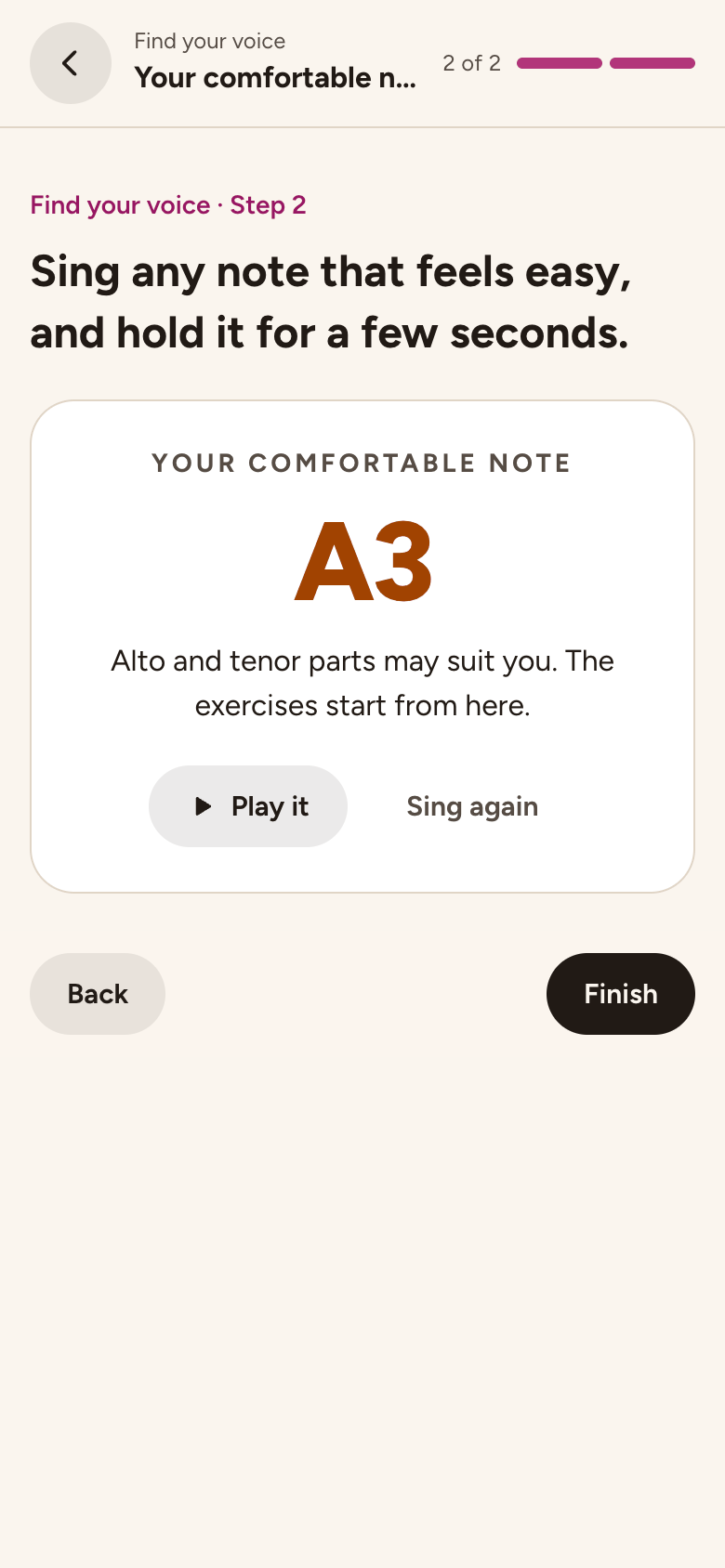
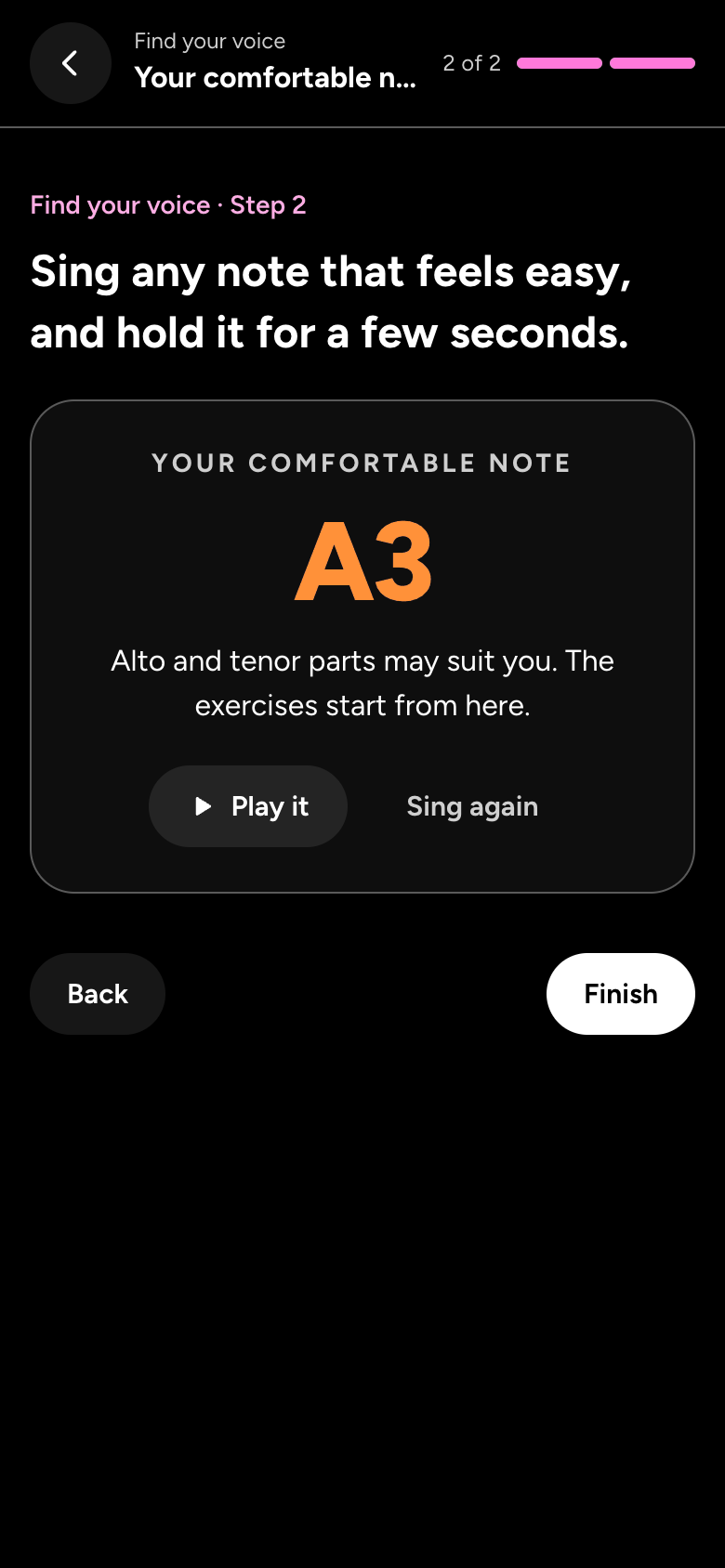
- Sing any easy note, like a long "ahh", and hold it for a few seconds. We show Your comfortable note, with Play it to hear it.
- Tap Finish to see your note again, with the parts it suits (and your stars, in game mode), then Next lesson, or go back home to try a song.
If the mic won't start, we show you how to fix it on your device. The page about the mic has the same steps.
Choose a song
- Tap a song in the library to open it: what it's about, its level, key and tempo, and who wrote and sang it, with three buttons: Play to hear it, Edit to make a copy you can change in the song builder, and Start. Where a song can be sung by fewer singers, How many singers? picks 2, 3 or 4 parts.
- Start begins with those parts. Once we know your range, Sing opens on a part for you and says which: as a new singer, the melody, in your own octave; once you've recorded parts of your own, the part that fits your range best. If we don't know your range yet, Sing asks Which part is yours?. A Plus song offers Plus instead.
- The song joins Your songs: the free plan keeps 3, and songs the course opens don't count.
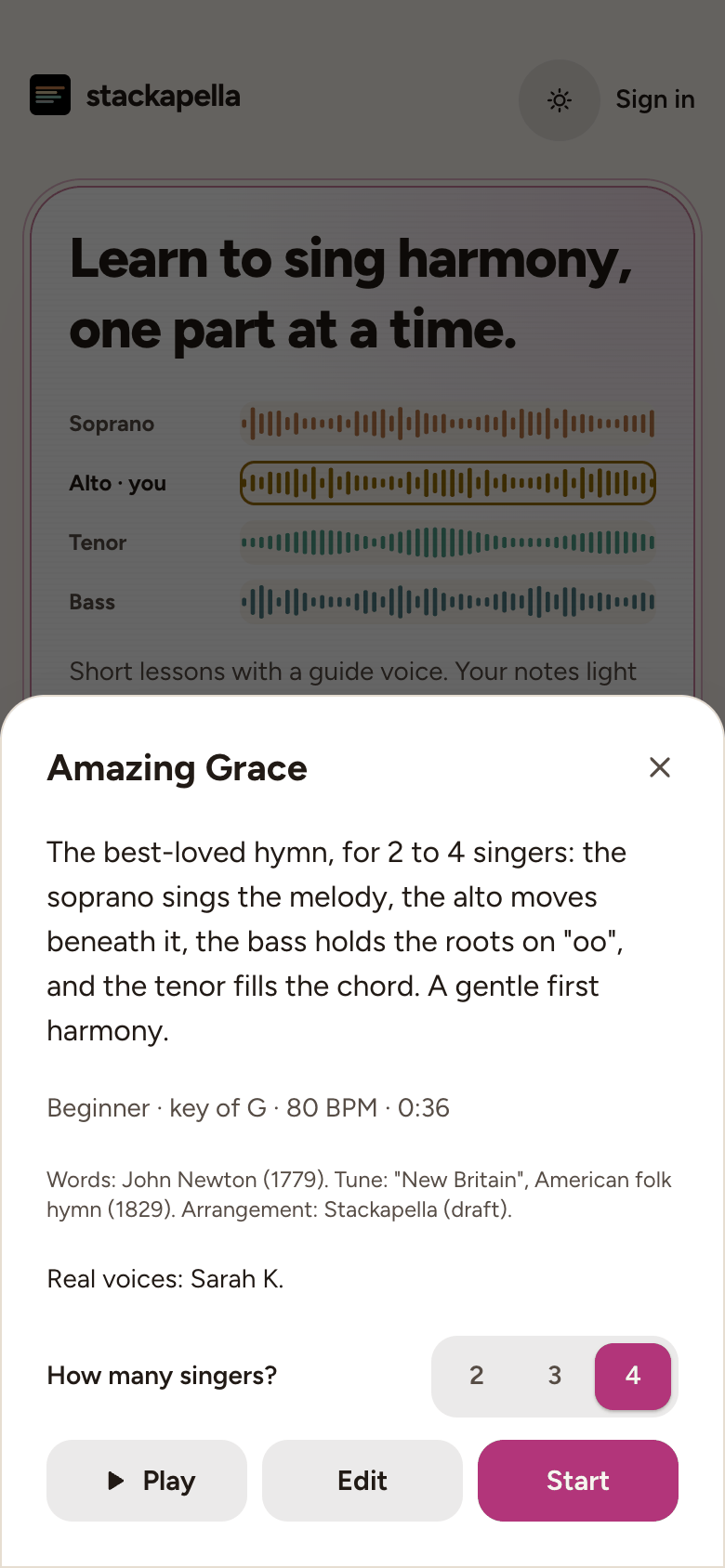
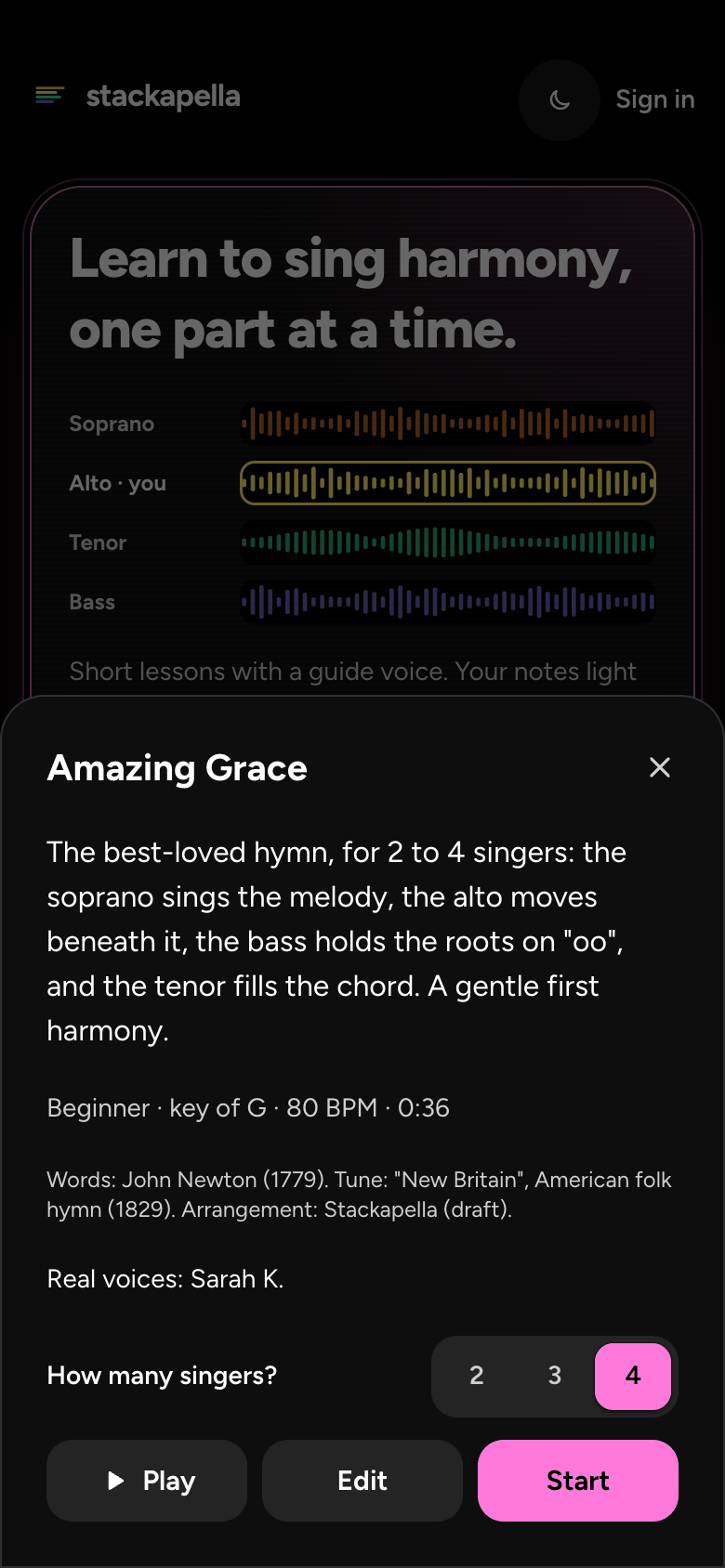
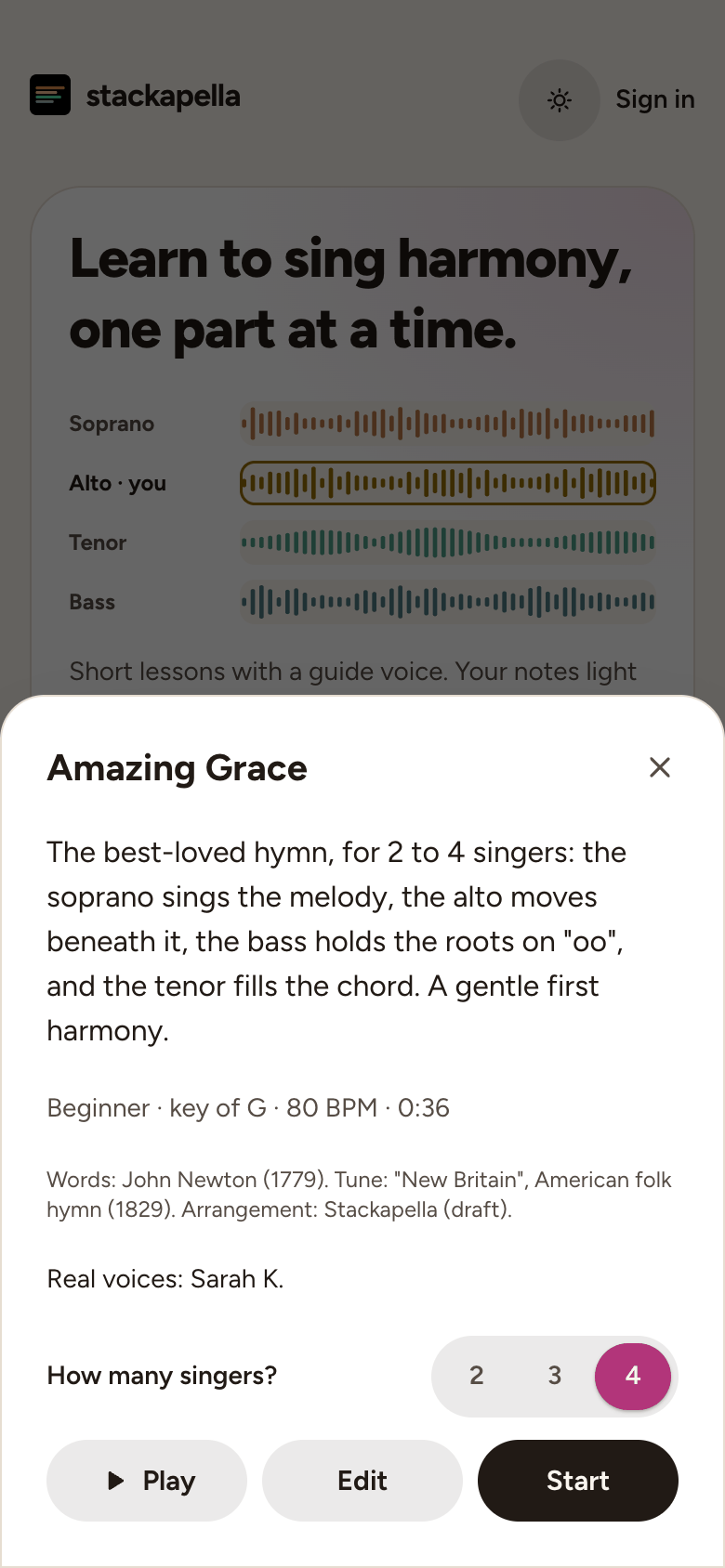
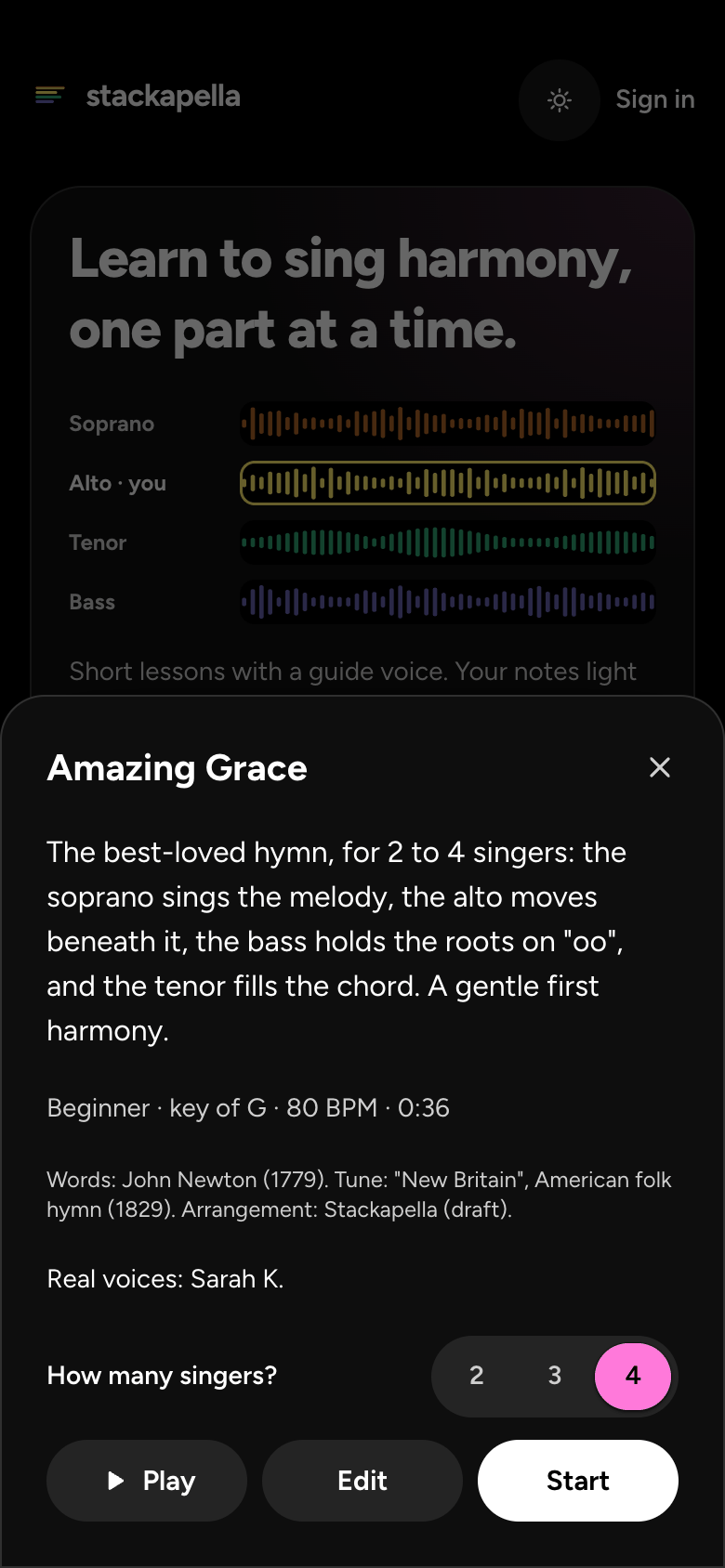
Choose how to sing
- We ask How do you want to sing?, with three choices that each start at once: Part by part teaches you one part, a phrase at a time, then records it (best for a song that's new to you); The whole song is your part straight through, with the others (best when you know it); Open in the studio gives you every part as a track to record and mix yourself. The one you used last says Last time. Tick Use this every time to go straight in next time; you can still switch.
- If Sing hasn't picked your part, Which part is yours? comes next. Best for you marks the one your range check suggests. You can change both any time.
- The page on learning a part in Sing has the rest.
Headphones and the timing check
- Before you record, we ask you to Put your headphones on, so the other parts stay out of your recording. Choose Wired or Bluetooth, then tap Start recording.
- The first time you record on a device, a quick mic check comes first: say something or hum. The first time you record with a mic, we measure its delay, so your part lines up exactly. Say what you'll record with, then tap Start the check. It takes about 10 seconds.
- The page on parts out of time explains the check, and what to do if it can't hear the chirps.
Record your first part
- In Part by part, go through Listen, Sing along and On your own, or tap Skip to record.
- At Record, tap the button with your part's name, for example Record the Alto.
- A bar of clicks counts you in. Sing along with the others. The take stops by itself just after the song ends, or tap Stop and keep sooner.
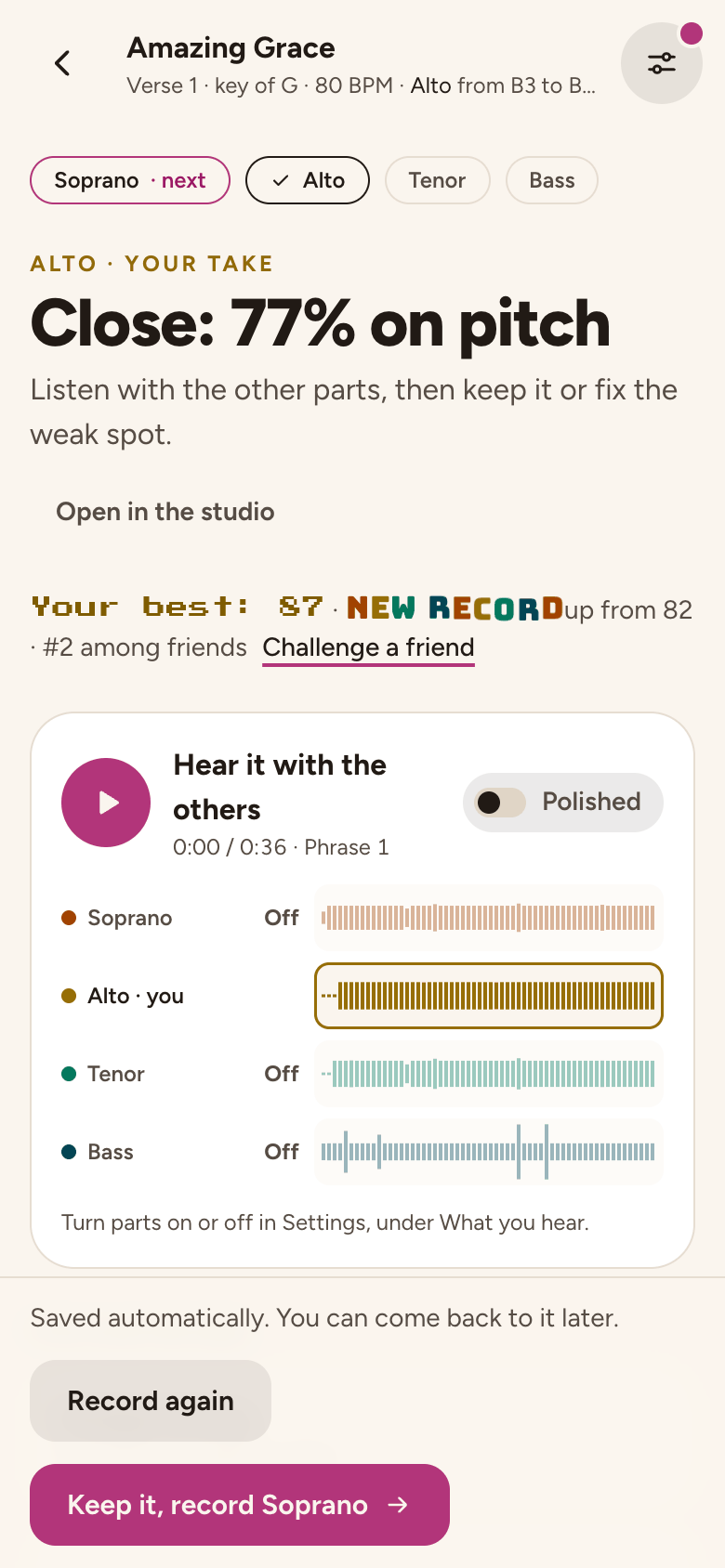
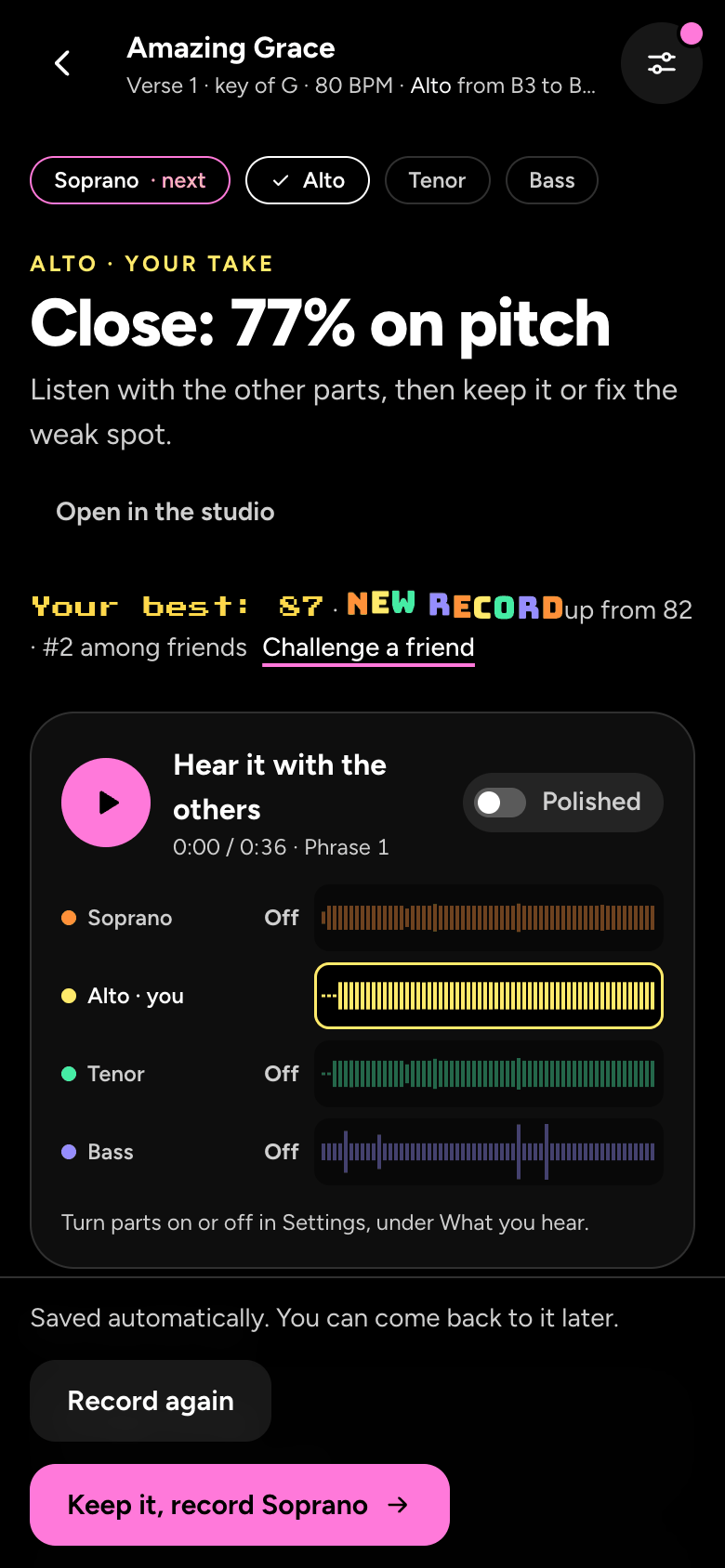
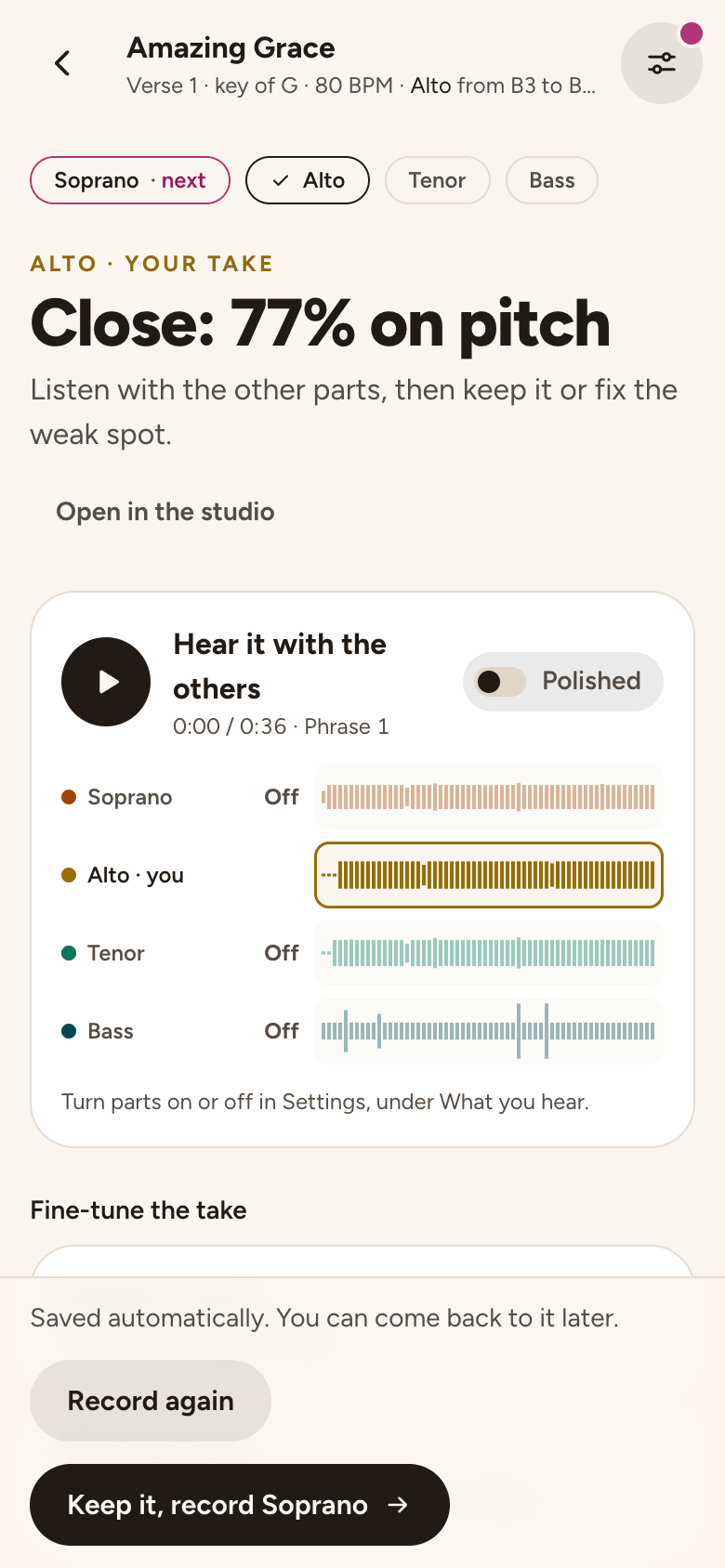
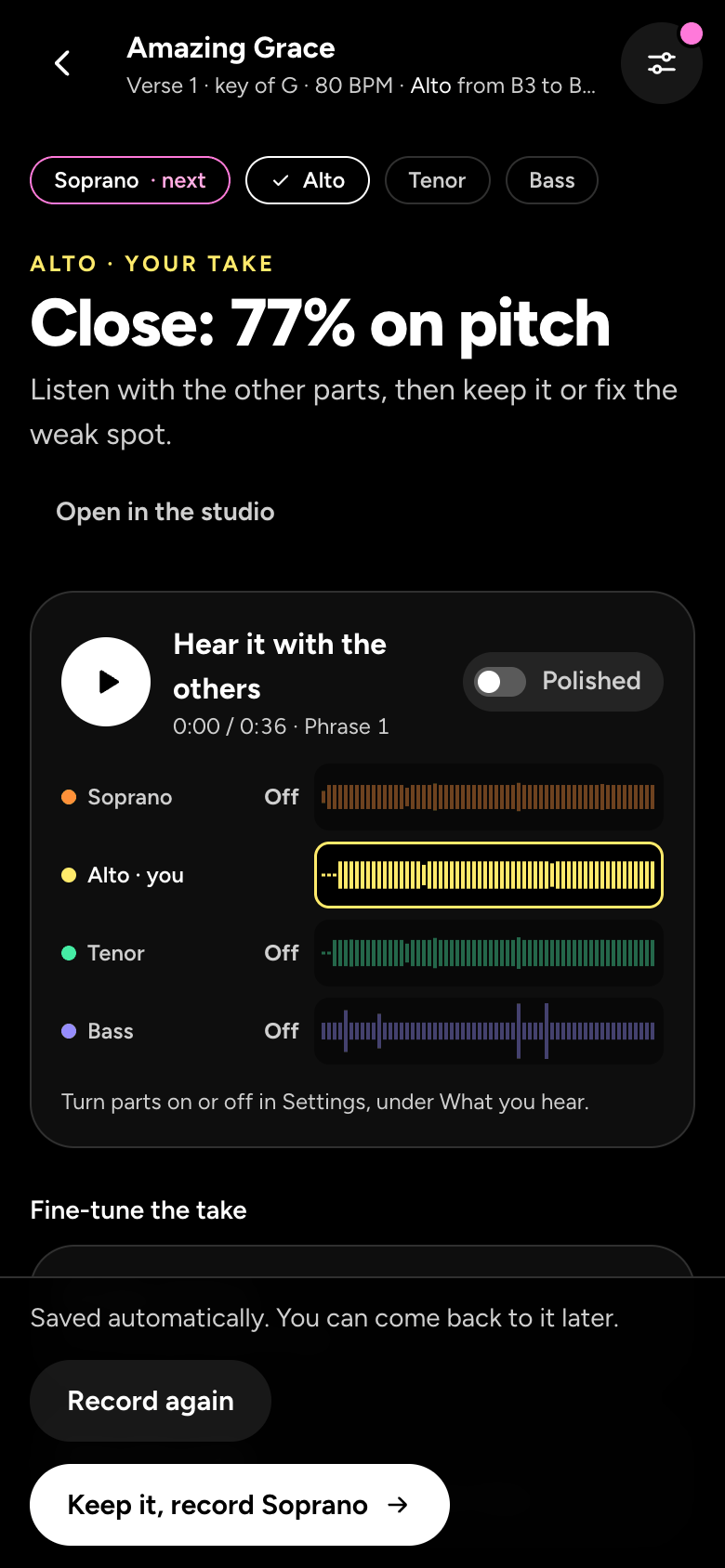
- We show how it went, for example Close: 77% on pitch, with your take among the parts. Tap Hear it with the others to listen.
The next part, over the first
- Tap the button with the next part's name, for example Keep it, record Soprano. While you record it, you hear the part you just sang, with the guides for the rest.
- Keep going until every part is yours. We say Every part is you!, and Share sends it to friends (signed in). Sharing your harmony has the details.
- Not happy with a take? Record again sings it over. The studio page covers takes, fixing one phrase, trimming and the mixer.
Still stuck? Tell us what you tried: it sends the details we need, like your browser and your last timing check.
Or write to [email protected].